











MCP
MCP connectors link Claude to Positive products, and ChatGPT to Signitic. Sign in with your product account, then ask questions about your own data. Your assistant only sees what your account is allowed to see.
Read the announcement: Positive opens the full marketing loop to AI agents →
Your Positive data right in the conversation with your AI assistant
Each product has its own MCP server and its own sign-in.


Claude
Surfer
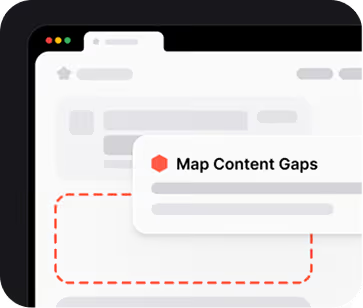
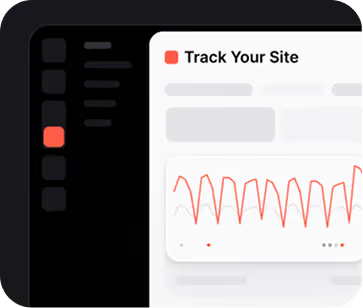
SEO and AI search visibility. Track your visibility in traditional and AI search, find content and mention gaps against competitors, generate briefs and articles, and optimize existing content.
MCP server URL
https://mcp.surferseo.com/mcp

Claude
Iconosquare
Social media analytics for the profiles connected to your Iconosquare account. Track performance and compare periods or profile groups, find top posts and the best times to post, run a social audit with prioritized recommendations, and create drafts. Nothing is published automatically: you review and schedule in Iconosquare.
MCP server URL
https://api.iconosquare.com/mcp

Claude

ChatGPT
Signitic
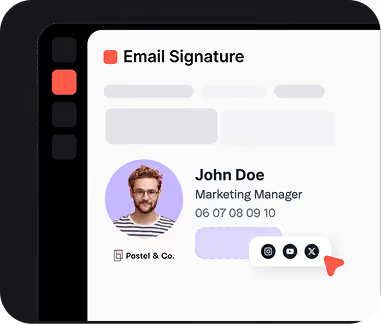
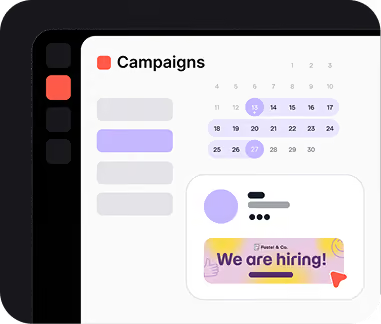
Email signatures and campaigns. Get workspace insights, user and group diagnostics, campaign analytics (top campaigns, best campaign time) and Help Center search.
MCP server URL
https://mcp.signitic.com/mcp

Claude
Ubic
Calling platform for sales teams. Claude can read call activity, qualification results, prepared sessions, follow-up tasks and selected transcripts. Read-only: no calls, SMS or CRM changes. Access follows your Ubic rights.
MCP server URL
https://app.getubic.com/mcp
How to connect
Set up an MCP connector in three steps
-
1
Add the connector
Click “View in Claude” on the product card, then “Connect”.
-
2
Sign in
Sign in with your product account. The connector uses the permissions you already have.
-
3
Ask a question
Ask your assistant about your search visibility, social profiles, campaigns or calls. It answers from your own data.